Phototizer
Scan prints straight to your camera roll. For iPhone and iPad.
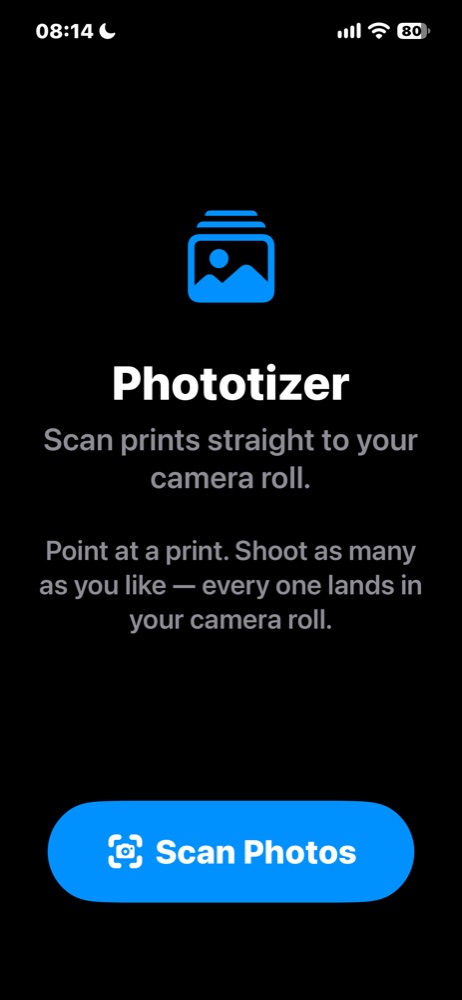
Phototizer digitizes a stack of photographic prints. Point the camera at a print, shoot, move to the next one, and keep going. When you finish, every print lands in your camera roll as its own photograph. There is no share sheet and no destination to pick. Requires iOS 16 or later.
How it works
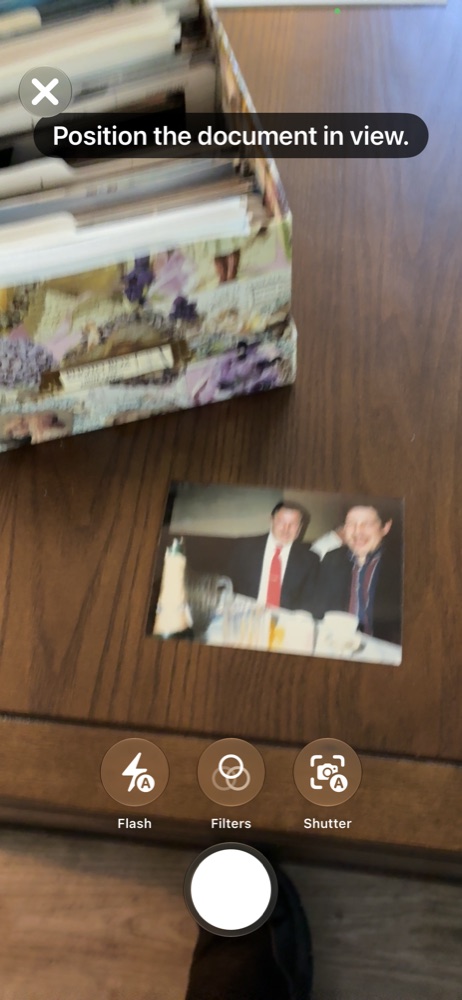
- Scan Photos opens the camera. Frame a print and capture it; the edges are found for you.
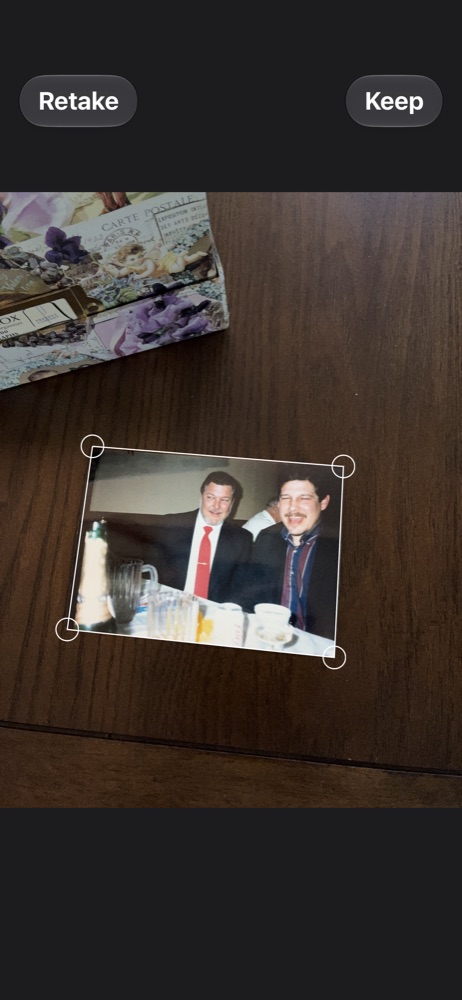
- Keep the capture, or Retake it. Drag a corner if the edge needs adjusting.
- Shoot as many as you like in one pass. Each capture is its own page.
- Tap Save in the scanner and each one is added to your camera roll. The screen tells you how many were saved.
- Scan More starts the next stack.

Permissions
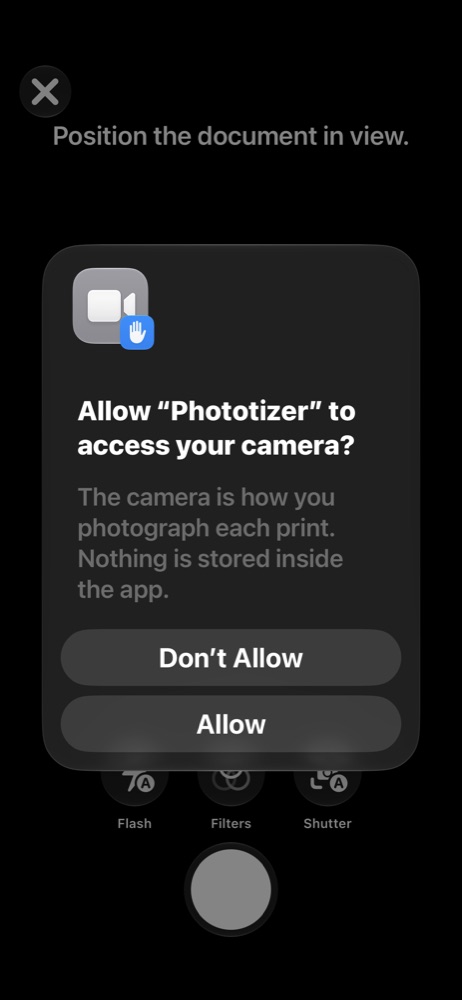
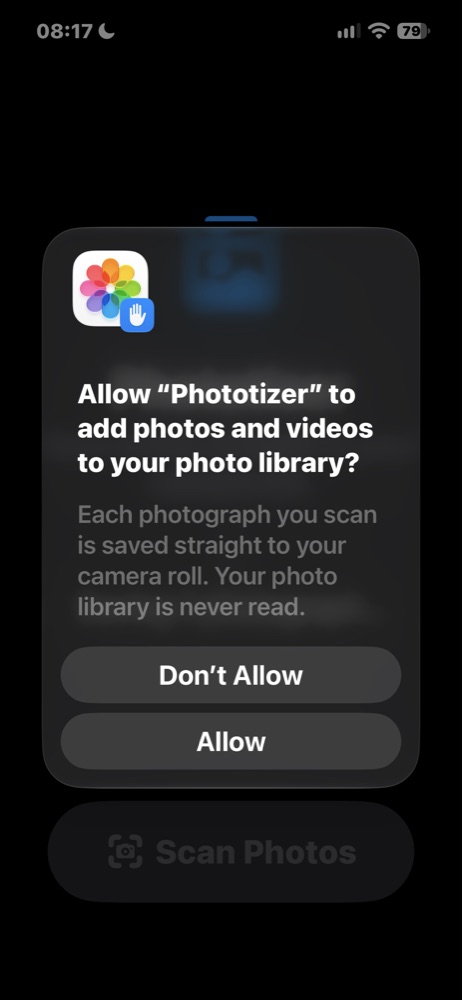
Camera is used to scan. Photos is asked for add-only access: Phototizer can put photographs into your library and can never read, browse or change what is already there. If you declined it, the app shows an Open Settings button so you can turn it on.
No location is added to the saved photographs, and nothing leaves your device.
Documentation
Need help?
Email michael@fluharty.com with a description of the issue, the device you're on, and its iOS version.